
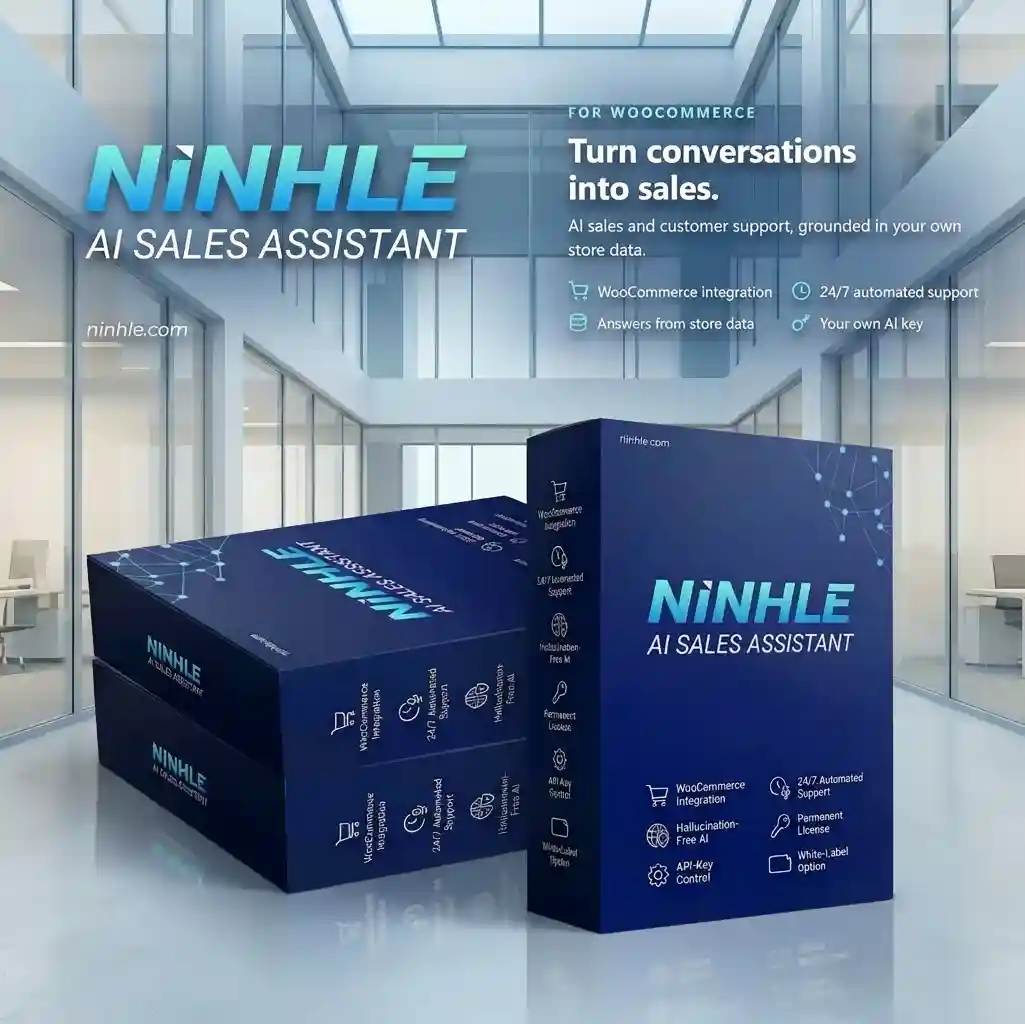
Summary: You can add an AI sales chatbot to WooCommerce in about 10 minutes with Ninhle AI Sales Assistant: install the plugin, enter an API key (OpenAI, Claude or Gemini), fill in your store info, sync products and customize the chat window.
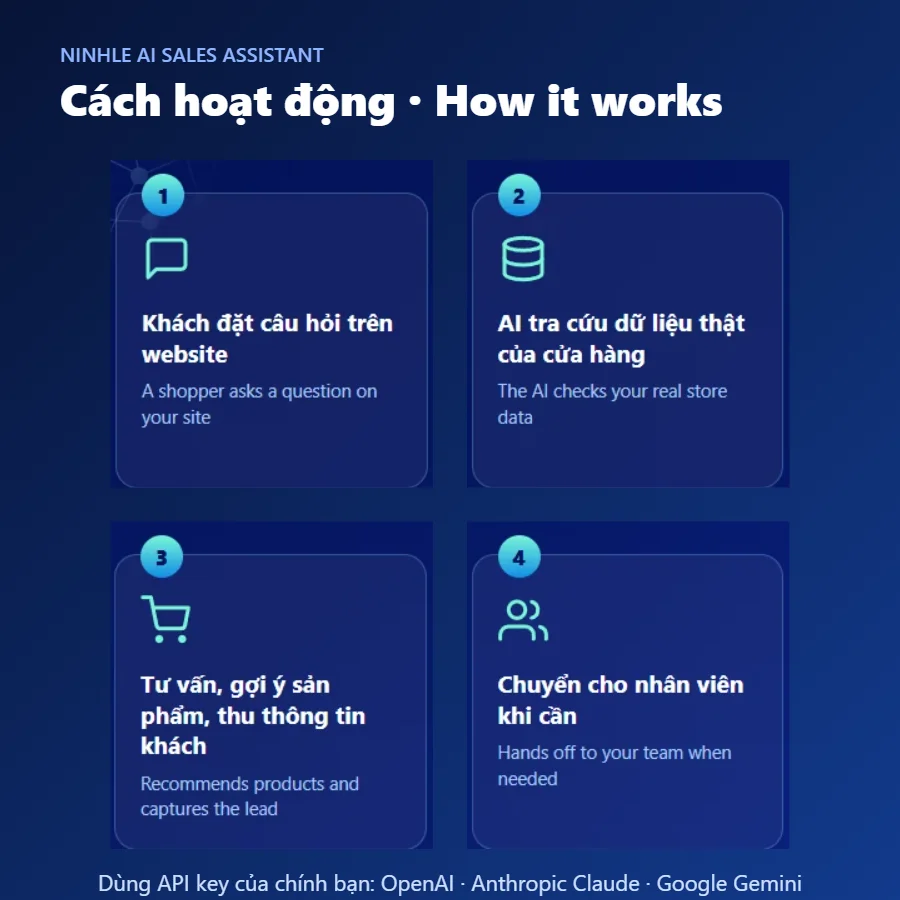
What do you need?
- WordPress 6.3+, PHP 8.1+ and WooCommerce with products.
- An OpenAI, Anthropic Claude or Google Gemini API key (or use local-only mode).
- Your shipping, returns and payment policies written out so the assistant answers correctly.
Installation steps
- Install and activate the plugin: download the Free version from the product page, go to Plugins → Add New → Upload Plugin, then activate.
- Enter your API key: open Ninhle AI Sales → Settings, choose your AI provider and paste the API key. The key is encrypted and stored server-side, never sent to the browser.
- Fill in your store info: store name, opening hours, shipping and returns policies.
- Review the sales playbook: the assistant’s role, discovery questions, objection handling and closing.
- Sync products: click “Sync products now” and set the correct time zone in Settings → General.
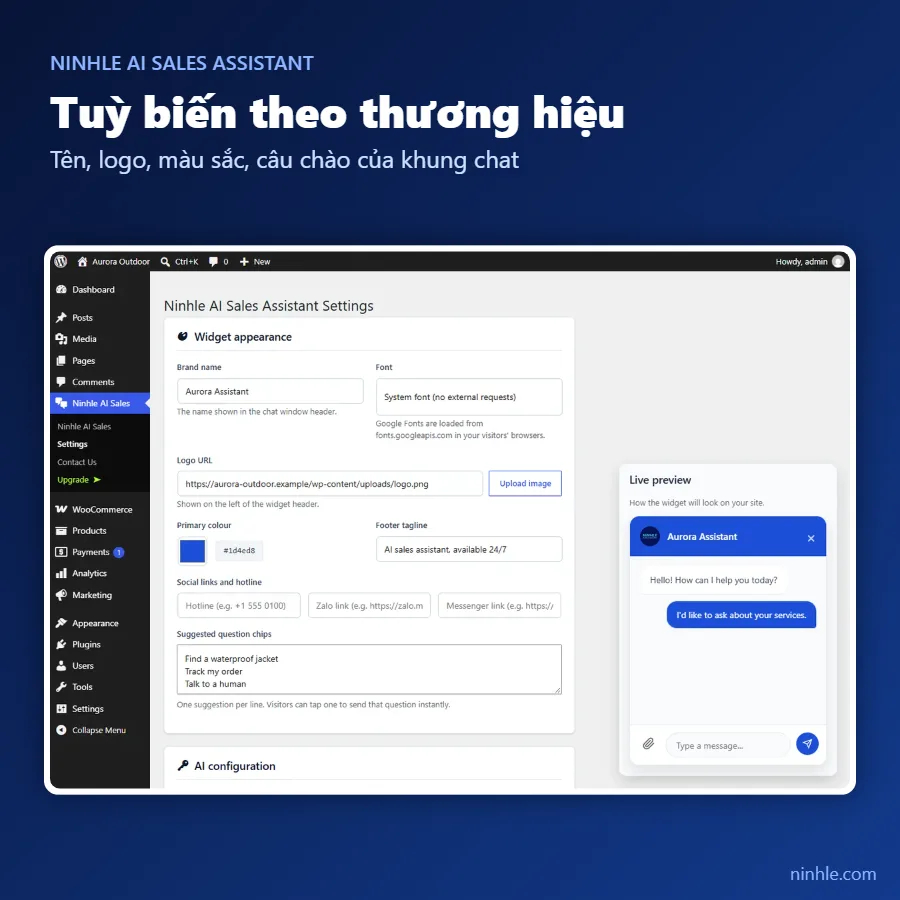
- Customize the chat window: set the assistant’s name, logo, colors, font, tagline and suggested questions, with a live preview.
- (Optional) Turn on voice input: since version 2.5.0, go to Settings → “Let visitors speak their message” so shoppers can speak instead of type. The mic button appears on https pages in Chrome, Edge and Safari; the plugin never stores audio.
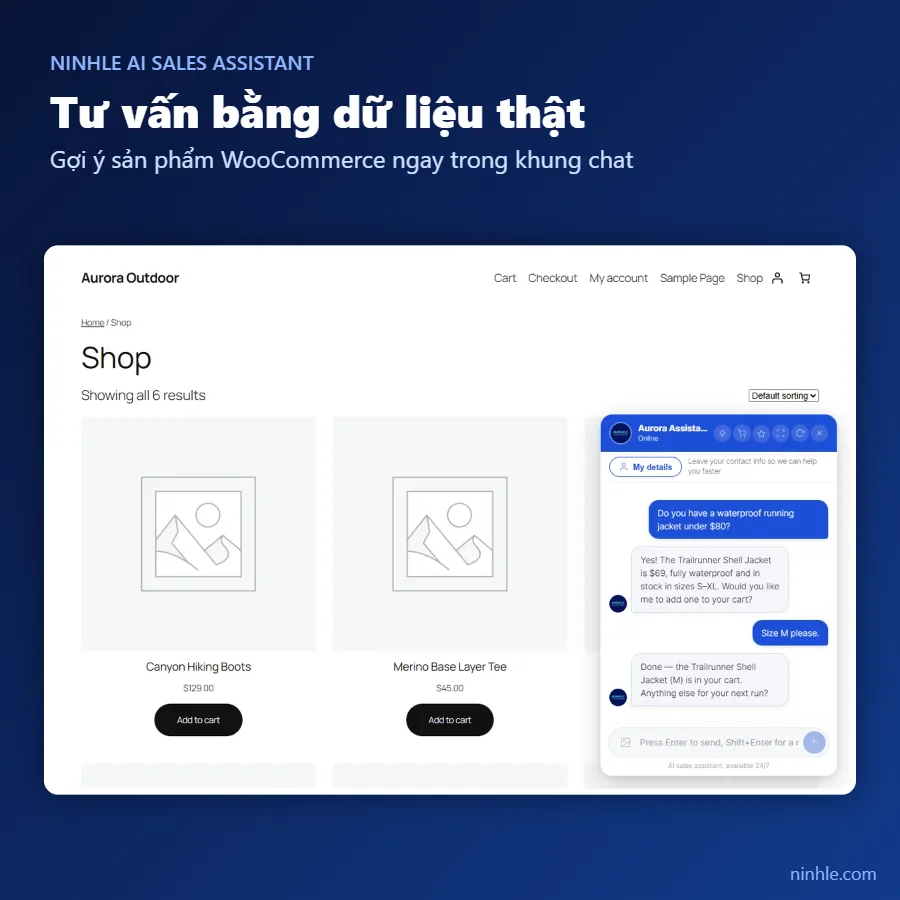
- Test it like a shopper: ask about price, size, shipping and returns, and ask for a human to test the handoff flow.
Tips to help the assistant sell
- Write product descriptions with full attributes (size, color, material) so the assistant recommends accurately.
- Turn on Telegram notifications (Starter plan) so you never miss a lead or a handoff request.
- Export leads to CSV weekly to follow up with shoppers who haven’t bought yet.
Frequently asked questions
Can I install it without WooCommerce?
Yes. The assistant still answers and captures leads on WordPress; product advice and order lookup require WooCommerce.
Does the assistant reply in other languages?
Yes. It replies in the shopper’s language, and you can write the sales playbook in your own language. Since version 2.5.0, shoppers can also speak their questions instead of typing (when you enable voice input and the browser supports it).
Is there a Pro trial?
Yes, 14 days. Install the Free version, then go to Ninhle AI Sales → Upgrade to start the trial.