
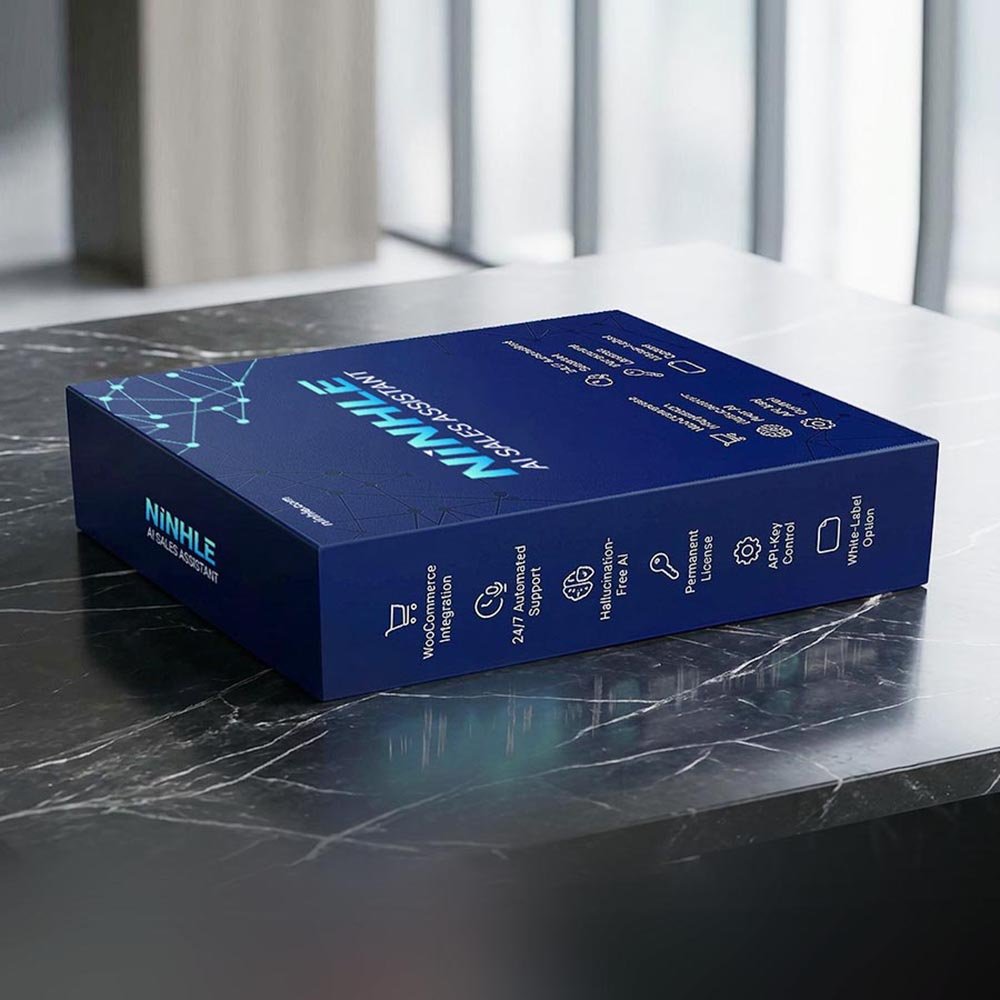
Summary: The cost of an AI chatbot for your website has two parts: the chatbot software fee and the AI fee paid to the provider (OpenAI, Anthropic, Google). With Ninhle AI Sales Assistant, the software starts at $0 (Free version), and the AI fee is based on the tokens you use through your own API key, so low-traffic stores pay very little.
What does an AI chatbot cost?
- Software fee: SaaS platforms usually charge monthly or per conversation. Plugins that use your own API key, like Ninhle AI Sales Assistant, charge a fixed license fee (Free, Starter from $4.99/month, Pro $9.99/month or $75/year).
- AI fee: providers charge per token (about 3/4 of an English word; other languages often use more tokens). Prices vary by model and change often.
How to estimate your monthly AI cost
Formula: Monthly AI cost ≈ conversations × messages per conversation × (input tokens × input price + output tokens × output price).
- Estimate your monthly conversations (e.g. 1,000).
- Estimate the number of exchanges per conversation (e.g. 4).
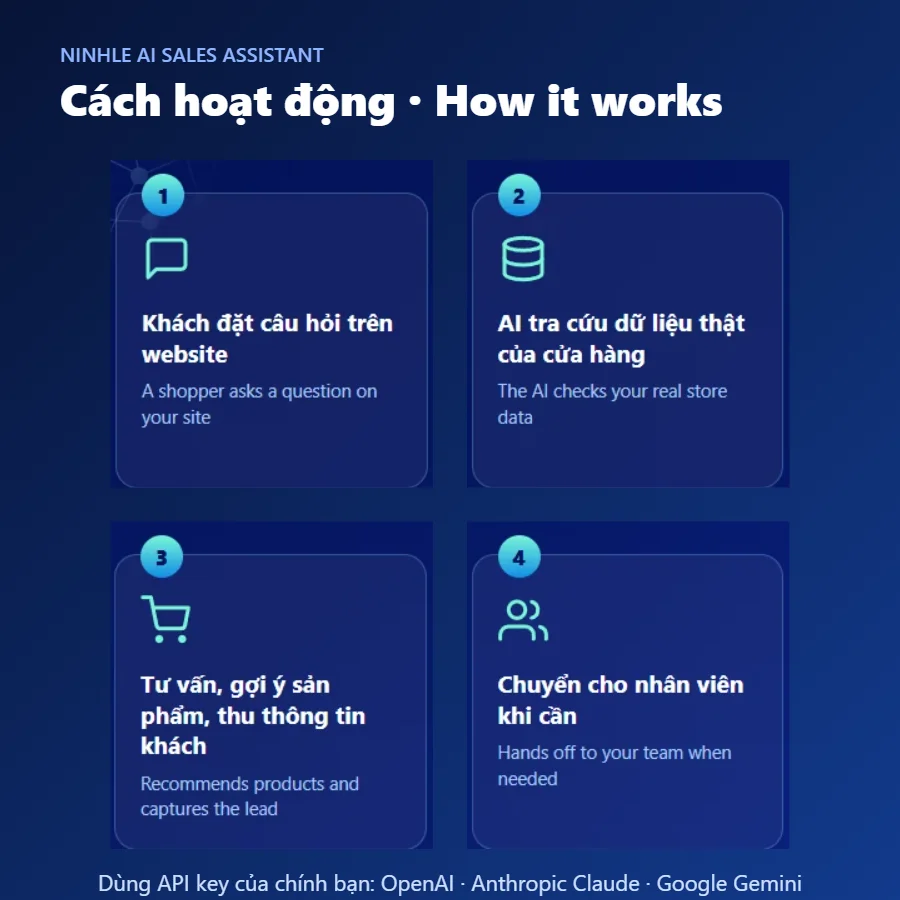
- Estimate tokens per exchange: input includes the question, chat history and product data looked up; output is the answer.
- Get the latest prices from the official pricing pages: OpenAI, Anthropic, Google Gemini.
Illustrative example (hypothetical prices, not real ones): 1,000 conversations × 4 exchanges × (3,000 input tokens × $0.30/1M + 300 output tokens × $1.20/1M) ≈ 1,000 × 4 × $0.00126 ≈ $5/tháng. Replace the hypothetical prices with the real prices of your chosen model for an accurate figure.
5 ways to cut AI costs
- Choose a small, fast model for everyday sales advice; larger models are only needed for complex questions.
- Turn on answer caching (Starter plan and up) so repeated questions like shipping and returns don’t call the AI again.
- Set daily/monthly AI budget caps (Pro plan) so you never exceed your planned spend.
- Keep store policies short to reduce the data tokens sent with each request.
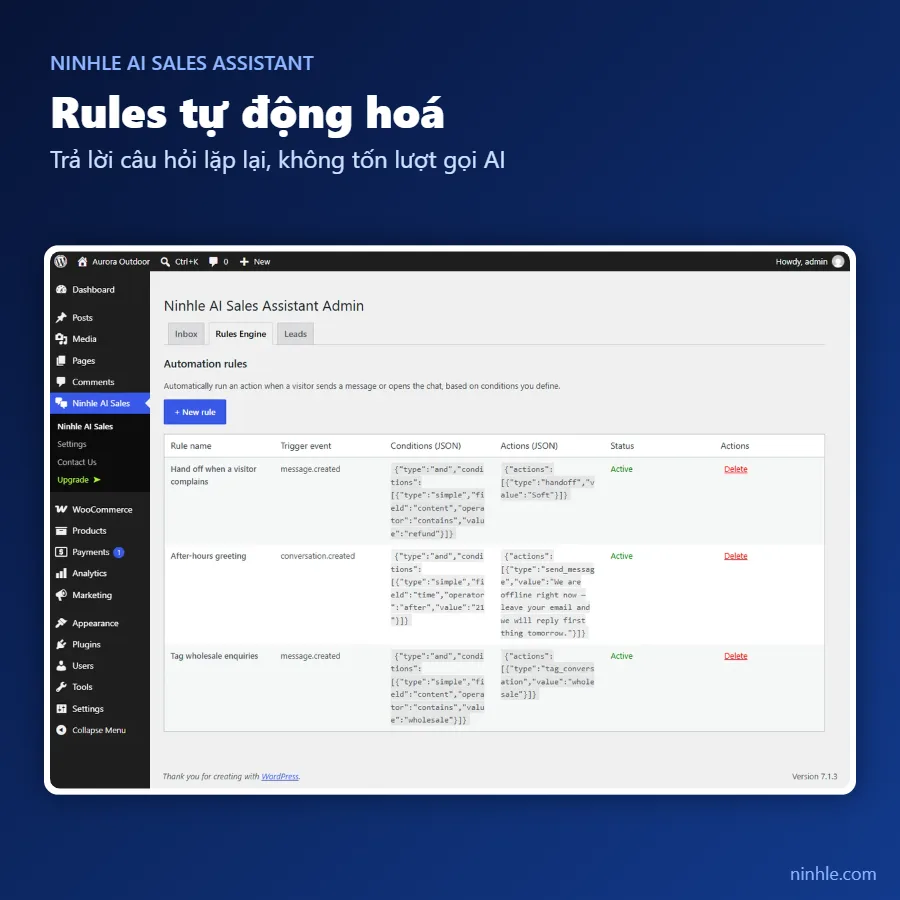
- Use Rules for fixed answers instead of letting the AI write them every time.
Frequently asked questions
Does the plugin price include AI fees?
No. On every Ninhle AI Sales Assistant plan, OpenAI, Anthropic or Google bill AI usage directly to your API key.
Is an AI chatbot completely free?
The plugin’s Free version is free forever, but AI providers still charge for API usage (some providers have free tiers – check their pricing pages).
How do I know how much I’ve used?
Check the usage dashboard in your OpenAI, Anthropic or Google account; the Starter plan also adds a sales dashboard inside WordPress.